Drevon v0.4.20 - Newest models, clone an agent to any CLI, and deliverables that actually show up
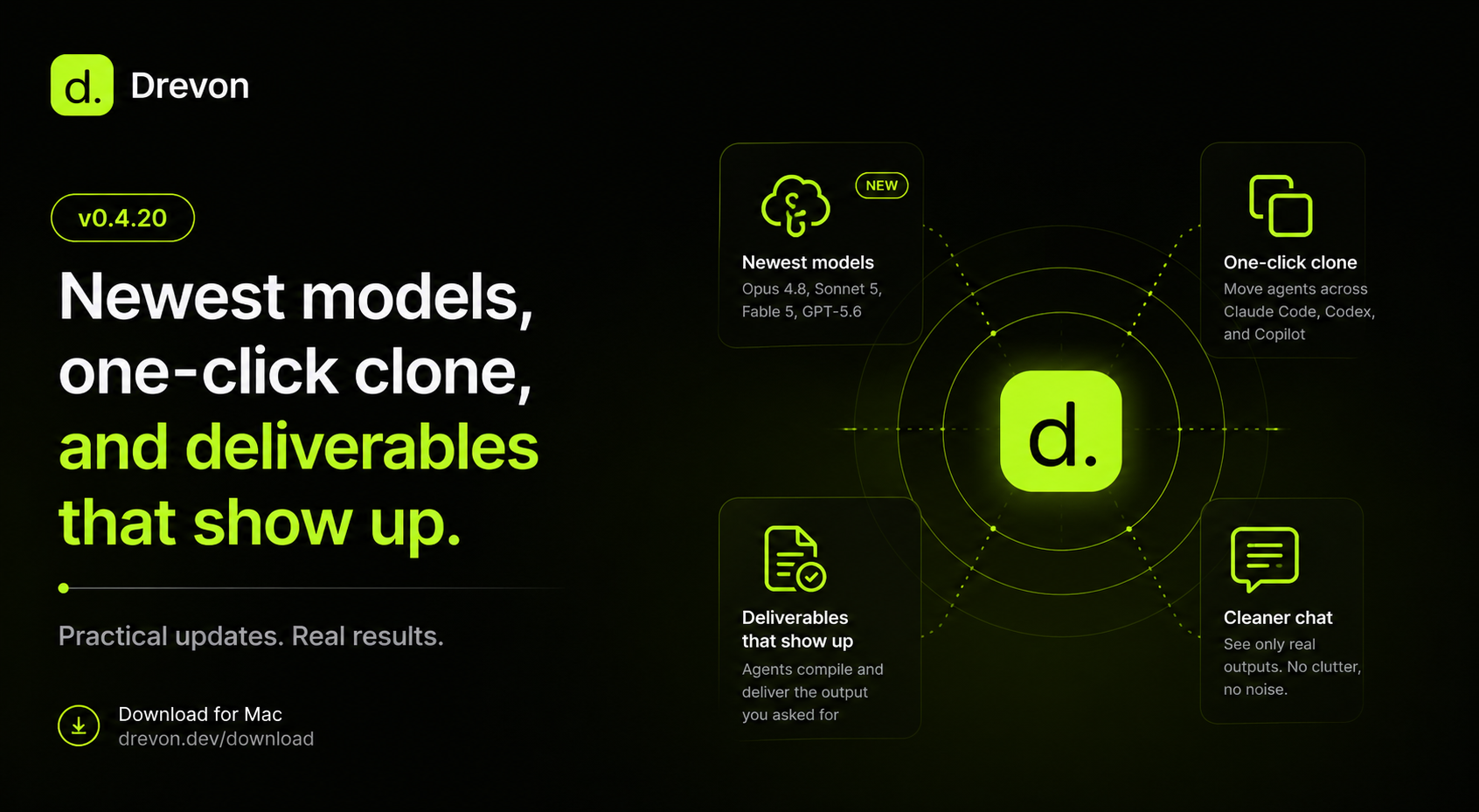
Drevon 0.4.20 — Newest models, one-click clone, and deliverables that show up
Released July 12, 2026
0.4.20 is a practical release built around the things you do every day in Drevon: picking a model, moving work between coding CLIs, and actually getting a finished file at the end of a run. Four improvements, all of them about removing friction.
The newest models, ready to pick
The model picker now includes the latest generation across every CLI Drevon supports.
- Claude Code — Claude Opus 4.8 and Claude Sonnet 5, plus Claude Fable 5.
- OpenAI Codex — GPT-5.6.
- GitHub Copilot — the newest Opus and GPT options.
The newest models are marked Recommended, and new agents you create pick them up automatically. If you already set a specific model on an agent, Drevon leaves it exactly as you had it — nothing gets migrated behind your back.
Clone an agent onto a different CLI
This is the one people have been asking for. Right-click any agent in the sidebar and choose Clone to spin up an independent copy that runs on a different CLI — move a Claude Code agent onto Codex, or Codex onto Copilot — while keeping the same working folder and setup.
Drevon does the annoying part for you: your agent's instructions and memory are carried over and rewritten into the format the new CLI expects, so the clone is ready to run immediately. The original agent is untouched, so you can run the same setup side-by-side across Claude Code, Codex, and Copilot in the same directory and compare them directly.
Agents reliably hand you a finished file
Sometimes you'd give an agent a real task — "find 15 heads of marketing and return a clean table" — and it would end with a bare "Task completed" and nothing to show for it. You'd have to keep re-asking ("give me the sheet", "…as a spreadsheet") before the actual deliverable appeared.
That's fixed. When an agent finishes with work done but no file produced, Drevon now steps in and compiles the requested deliverable for you automatically. You get the output the first time, without the back-and-forth.
A cleaner chat that shows only what you made
After a run, Drevon shows the files an agent produced as chips in the chat. That list had started to fill up with clutter — memory files, progress logs, config, and other behind-the-scenes files you never asked for.
Now the chat shows only genuine deliverables: the files your agent actually created for you in its outputs. Everything else stays out of the way, so the result of a run is easy to see at a glance.
Get the update
Drevon updates automatically in the background. Relaunch the app and you'll be on 0.4.20. Or download it directly at drevon.dev/download.