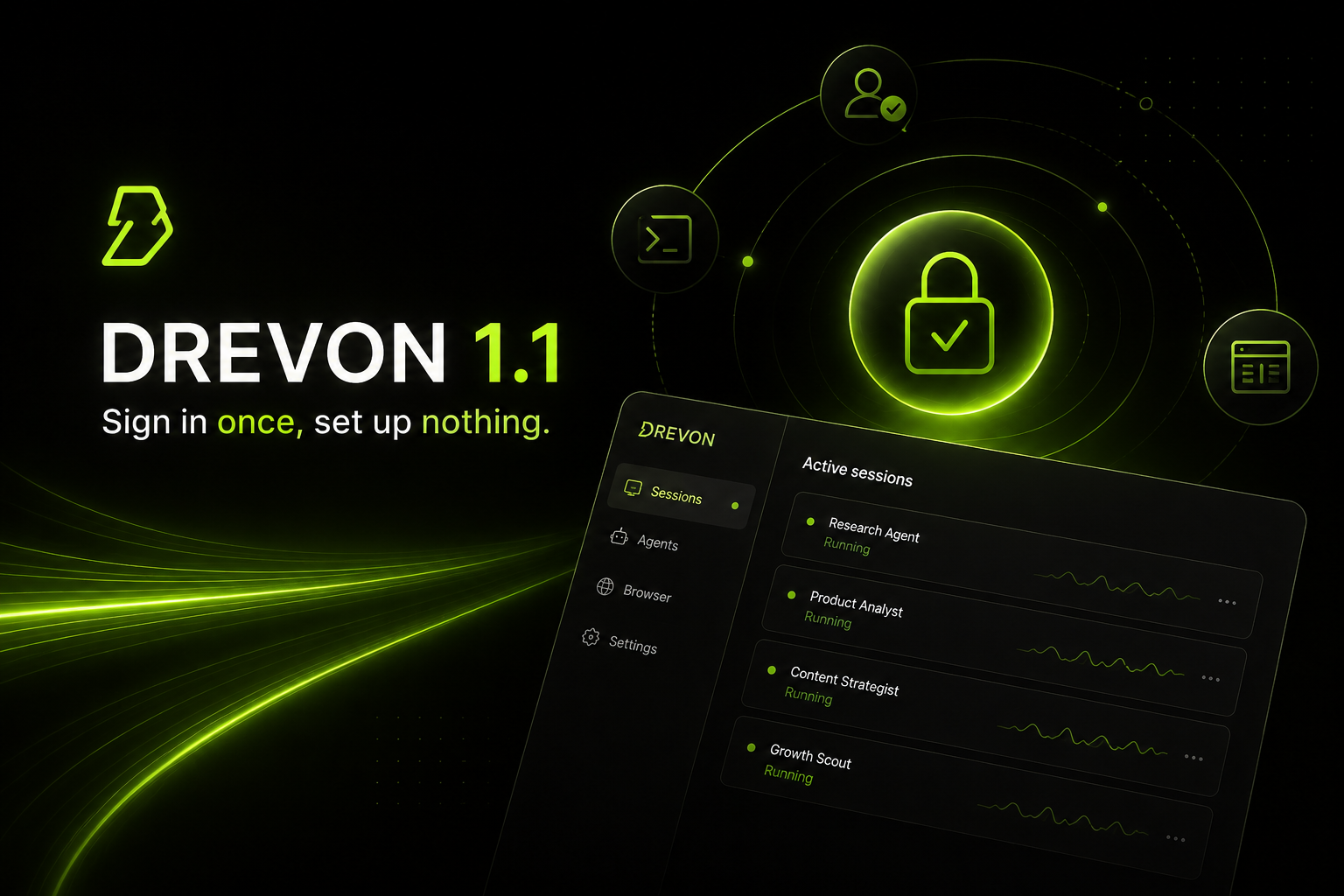
Drevon 1.1: sign in once, set up nothing
Drevon 1.0 made your agents proactive. Drevon 1.1 makes them dependable.
Three things ship here: a Claude Code sign-in that stays signed in, an onboarding flow that prepares your Mac end to end without a terminal, and a new sidebar that finally shows every session you have running.
Claude Code sessions that don't die at the finish line
If you run Claude Code agents in Drevon, you've probably hit this: a session runs for a few minutes, then stops and tells you the agent reached its step limit, with a Continue button. You press Continue. It happens again.
That message was wrong. What actually happened is that your Claude credential had been revoked, and Drevon was reporting the wrong cause — then offering you a button that could only fail a second time. Behind the scenes the CLI retried the dead credential eleven times before giving up, which is where the three and a half minutes of waiting went.
We went looking for the root cause instead of patching the symptom, and found it: Claude only allows one active sign-in at a time. Signing in somewhere else — the Claude desktop app, a terminal, another tool — silently invalidates the credential Drevon was using. The credential still looks valid locally, because the only check available is whether its clock has run out, so nothing notices until a session is already running and it's too late.
Drevon 1.1 gets its own credential.
When you sign in to Claude Code in Drevon now, Drevon mints a dedicated token that belongs to it alone. One browser round-trip, and it's done. Your agents use that token, it lasts a year, and signing in anywhere else no longer knocks Drevon offline.
A few things we want to be straight about:
- It's stored encrypted on your machine, using your Mac's own secure storage. It's never written in plain text, never logged, and never leaves your computer.
- It signs you out of Claude Code in your terminal. That's how Claude's sign-ins work, and Drevon tells you before it happens rather than after. If you want the terminal back, run
/loginthere — both will then work side by side, in that order. - It needs a Claude Pro or Max plan. If your account doesn't have one, Drevon says so plainly and offers the ordinary sign-in instead. Nothing dead-ends.
- You can still use the regular sign-in. The dedicated token is preferred, not required. Both work.
Sign-in shows up when you need it, and nowhere else
There's no scavenger hunt for a Settings toggle. Type a message, press send, and if Claude Code isn't signed in, Drevon raises the sign-in there and then — your draft stays in the box and the message sends itself the moment you're through. When you finish, the dialog closes and you're back in your chat where you left off.
It appears only when you're genuinely signed out. It is a gate, not a nag.
When something does expire
If a credential does die mid-session, Drevon now spots it in seconds instead of minutes, stops the run immediately rather than grinding through retries, and tells you the truth: Claude Code signed out. Sign in again to continue. One Sign in button, which knows which credential died and fixes that one. Sign in and Drevon picks the turn back up from your original message — you don't retype anything.
The step-limit banner is now reserved for actual step limits.
Kept on top of it
A new card in Settings shows your token's status, when it was minted, and how many days it has left, with Replace and Remove buttons. Drevon starts reminding you 35 days before it expires, so the anniversary is never a surprise.
One more thing that looked like an auth bug
If you launched Drevon from a terminal that was itself inside a Claude Code session, every agent you started refused to run — and Drevon blamed it on the CLI "not being installed or authenticated" on machines where it was demonstrably both. That's fixed, and if it's ever the cause again, Drevon now names it exactly.
Open the app. That's the setup.
Until now, Drevon's first screen checked your machine for the tools your agents need — Node.js, the agent CLIs, the Agent Browser, Chrome — and if something was missing, mostly left you to it. Every install path it did have quietly assumed you already had Node and npm. On a brand-new Mac, that's a dead end at the very first screen.
Drevon 1.1 detects what's missing and installs all of it itself.
You'll see a screen called Setting up your computer. It starts on its own — no Install buttons to hunt for — works through each item in order, and shows you live progress and real output as it goes. When it's done, Continue lights up and you're in.
What it handles for you:
- Node.js. If your Mac doesn't have it, or has a version too old for the tools we install, Drevon downloads a private, checksum-verified copy into its own folder. It doesn't touch your system Node, doesn't need your password, and doesn't ask for admin rights.
- The agent CLIs. Claude Code, GitHub Copilot and Codex — all three, installed and verified.
- The Drevon tooling. The
drevonandskillsCLIs go in up front, so your first session doesn't stall on a cold start. - The Agent Browser, with its bundled Chromium, so your agents can browse from the moment onboarding finishes.
Everything Drevon installs lives in one folder of its own. Nothing is scattered across your system, and nothing collides with tools you already had.
When an install goes wrong
Installs fail sometimes — a flaky connection, a locked-down machine, a mirror having a bad day. Drevon plans for it.
Each step retries twice on its own before giving up. If it still can't finish, you get a clear statement of what failed and why, a Retry button that's safe to press as often as you like, and Copy diagnostics, which puts everything we'd need to help you on your clipboard — with your home directory and any credentials scrubbed out first. Then it points you at akash@drevon.dev.
A slow install is no longer mistaken for a stuck one, either. Drevon watches for genuine silence rather than running a stopwatch, so a big download on a modest connection is left alone to finish.
It repairs itself later, too
Machines drift. Drevon now runs a quiet health check at every launch. If everything's fine you'll never see it. If something essential has gone missing, you get the same setup screen in repair mode, with a Continue anyway escape hatch — an app that worked yesterday should never lock you out today.
Chrome, whichever Chrome you use
If you run Chrome Beta, Dev, Canary or plain Chromium, Drevon used to tell you no browser was installed while you were looking at the icon in your dock. It now finds every release channel, including per-user installs, and names the one it found.
Every session, in one place
Running several agents at once has been the normal way to use Drevon since 1.0, and the tab bar was never built for it. Tabs belonged to a single agent, so switching agents swapped the whole strip and every session you had running simply vanished from view.
Sessions now live in the sidebar, underneath the agent they belong to.
Click an agent's chevron and its sessions unfold beneath it. Expand as many as you like; Drevon remembers which ones you left open. Each session carries its own status dot:
- Green, pulsing — running right now
- Blue — queued, waiting its turn
- Orange — finished and needs your review, with an unread count
- Red — something went wrong
That pulse belongs to the session and nothing else. A collapsed agent shows one calm, static dot, so you know there's activity inside without anything blinking at you from the edge of the screen. Hover any row and it states its status in words.
You'll see the five most recent sessions per agent, plus every session that's still live, however old — running work is never pushed below a fold. Show more opens the full list.
One conversation at a time
With sessions in the sidebar, session tabs had nothing left to do. Each agent now has one chat tab, and you switch conversations by clicking them in the list — the same model as Claude Code and Codex.
Your work in progress follows you: the composer keeps a separate draft and separate attachments for every session, so clicking away mid-sentence and coming back finds your message exactly where you left it.
Starting a session is one control now — the + on the agent row, always visible. It names its target (New session in Drevon GTM), so with six agents on screen there's no guessing where the work lands.
A sidebar that fits your screen
Drag the sidebar's edge to resize it. It snaps cleanly to the grid the rest of the interface is built on, holds between 192 and 480 pixels, remembers where you put it, and returns to default on a double-click.
Fixes worth knowing about
- Switching agents no longer interrupts a running session. A session under another agent could be closed mid-turn when you clicked away. Worst case, a run waiting for you to sign in somewhere missed the prompt entirely and sat idle for five minutes.
- Generate Skill lands in the right project. Running it on another agent's session used to install the skill into whichever agent you happened to have selected.
- Lighter in the background. Sessions you'd clicked once kept streaming output for as long as the app stayed open. They now let go when you move on.
- Setup can't wedge. An install hung behind a background download used to leave a Retry button that did nothing. Drevon now cleans up the whole process tree and always recovers.
- Copilot installs actually work. Drevon was installing a deprecated package that ships a different binary than the check looked for, so installs reported success and the check failed forever.
- Your browser logins are safe. Drevon's managed tools now live in their own folder, well away from the browser profiles your agents sign in with.
- Closing the window cancels a sign-in. Walking away mid-sign-in used to leave the process running and could store a credential for a flow you'd abandoned.
Get Drevon 1.1
Drevon updates automatically in the background. Relaunch the app and you're on 1.1, or download it fresh at drevon.dev/download.
New to Drevon? This is a good week to start — there's nothing to install first.