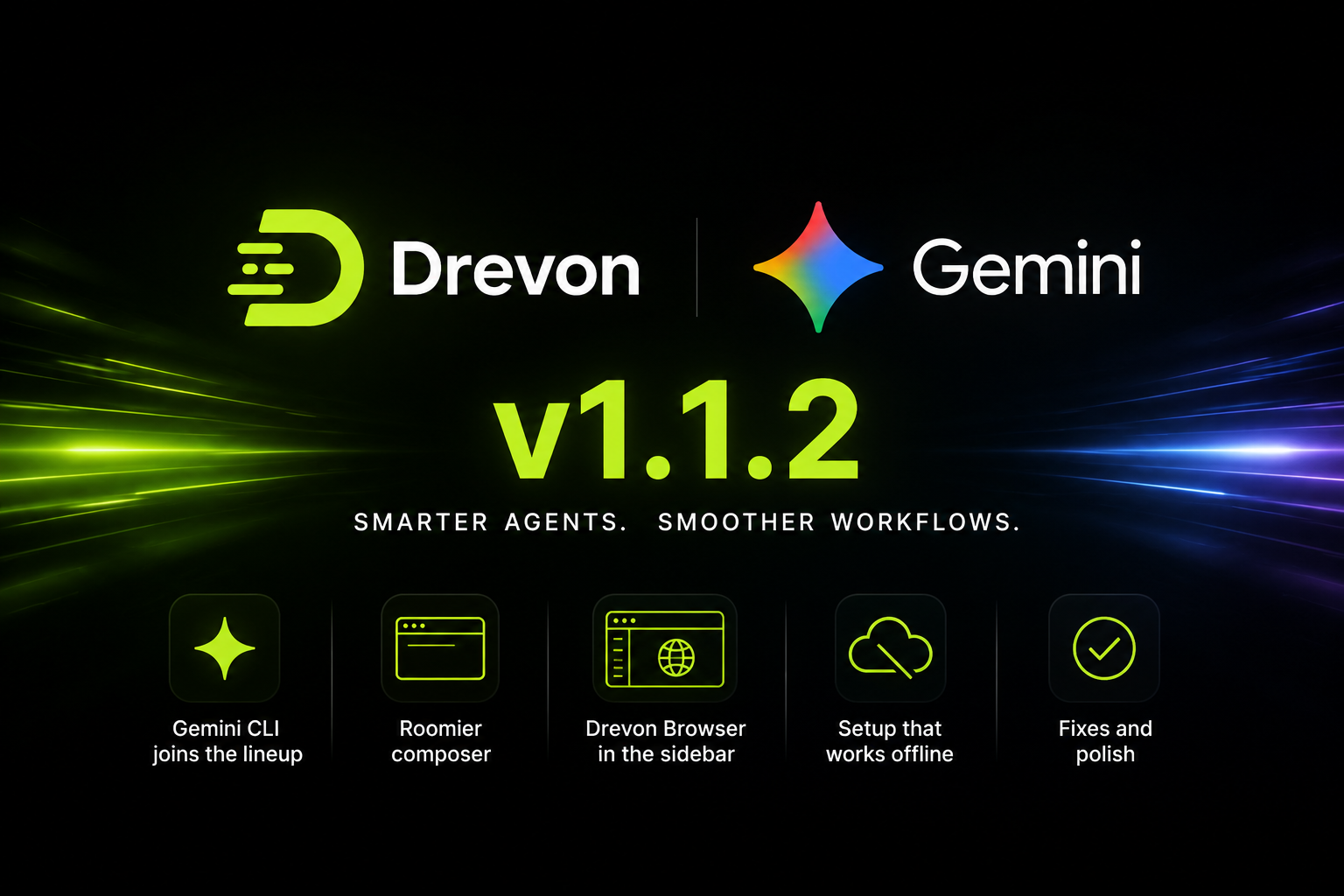
Drevon 1.1.2: Gemini joins the lineup, a roomier composer, and setup that works offline
Drevon 1.1.2 adds a fourth agent, rebuilds the box you type into, and makes first-run setup work on a Mac that cannot reach the internet cleanly.
Gemini CLI is now a Drevon agent
Google's Gemini CLI sits alongside Claude Code, Codex and Copilot, with everything the other three already get: streaming output, resumable sessions, automatic session titles, skill generation, and full diagnostics when a run stops early.
It also gets the browser. A Gemini agent opens tabs in your signed-in Drevon browser profile, the same as every other agent, so it can work on sites you are already logged into instead of hitting a login wall.
Pick Gemini when you create an agent, clone an existing one, or during onboarding. The provider order is now Claude, Codex, Gemini, Copilot everywhere you choose one.
Two ways to sign in to Gemini
Signing in with Google is the default and works the way Claude and Codex already do: Drevon opens a browser, you authenticate, and you are done.
If you would rather use an API key, Drevon asks for one right in the chat when it needs it, and agent creation has a step for it. Keys are encrypted on your Mac with the system keychain and never leave it.
Drevon now checks for a real credential before it starts a run, so an agent no longer reports itself as signed in and then fails on the first turn.
Every current Gemini model
The model list covers Gemini 3.1 Pro, 3.5 Flash, 3.5 Flash Lite, 3.1 Flash Lite and 2.5 Pro, plus Auto. We tested each one against the live API rather than trusting the docs, which is how we caught a model that had quietly stopped responding.
Drevon Browser moved to the sidebar
Whether your agents browse in your signed-in profile or a blank one is the setting that decides most browsing tasks, and it used to be four levels deep in Settings. It now sits above your account, one click away, with a dot that tells you where it stands: green is connected, red is off, yellow means there is no Chrome on this Mac. Toggle it from either place and both stay in step.
A composer built for long prompts
The text box now runs the full width of the composer, with the add button, schedule, model picker and send sitting on their own row underneath. Nothing shifts around as you type. Long prompts grow the box until it reaches a sensible height and then scroll, and the divider line is gone.
Setup that does not need a perfect network
First-run setup used to fetch its toolchain from the network and would stop cold behind a corporate proxy or a captive portal. Drevon now ships with a verified Node runtime inside the app and installs from it. Every tool is installed to a location Drevon controls and verified by absolute path, so nothing already on your Mac can interfere.
Fixes and polish
- Progress files no longer clutter the file explorer, though agents still read and write them as before
- Setup shows CLI versions on one line instead of a wall of text
- Setup always installs the newest build of each CLI
- Enabling the browser from a login prompt now restarts the current turn with the browser attached, instead of doing nothing
- Gemini runs no longer stop with a bare "YOLO mode is enabled" message
- Startup banners and duplicate output are filtered out of Gemini's stream
- Drevon CLI 0.3.0 or newer is now required