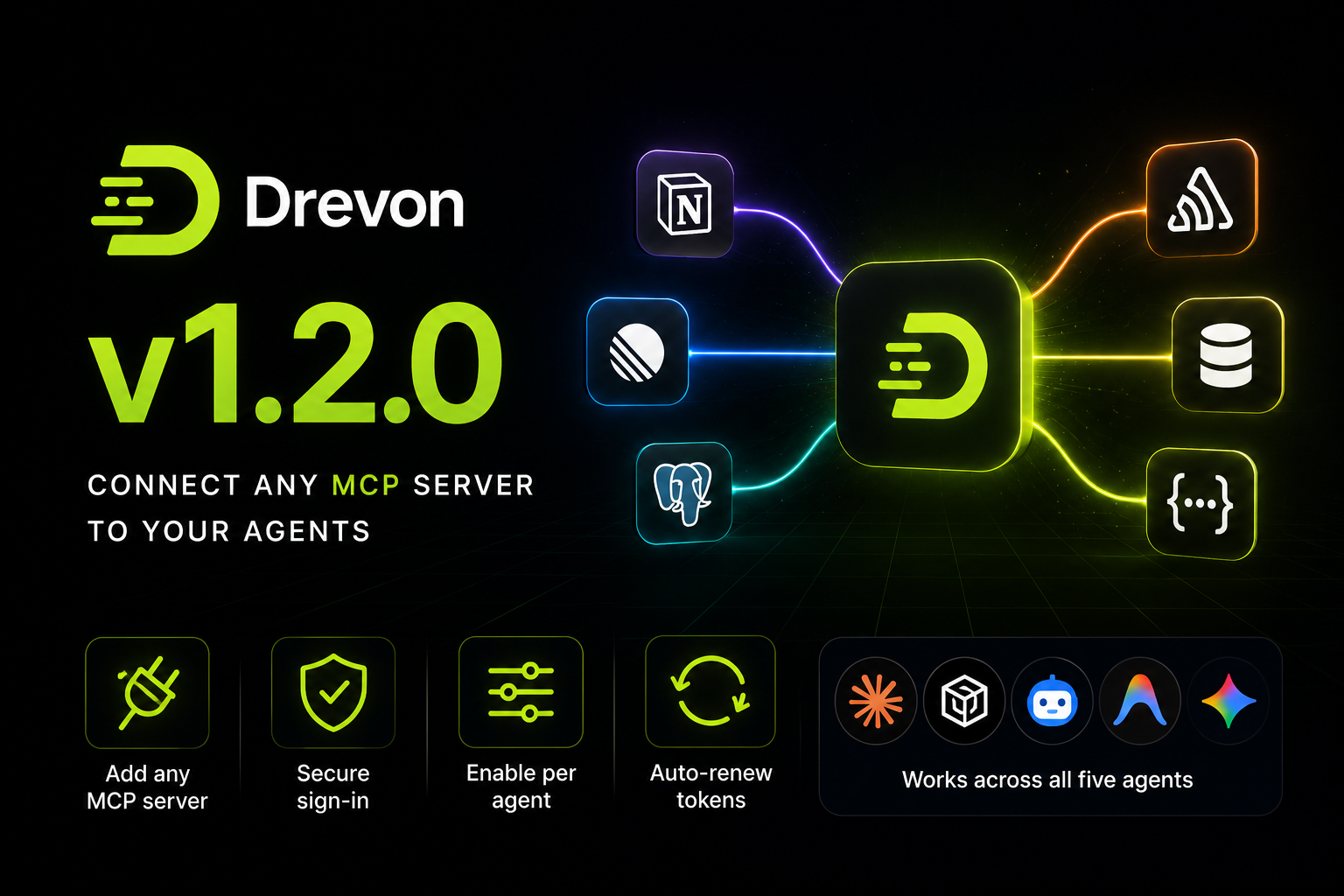
Drevon 1.2.0: connect any MCP server to your agents
Drevon 1.2.0 lets your agents use the tools you already pay for. Connect Linear, Notion, Sentry, a Postgres database, or anything else that speaks MCP, and your agent can read from it and write to it while it works.
Connectors live in the chat box
Open the + menu next to where you type and there is a new row: Connectors. Add a remote server by pasting its URL, or a local one by giving the command that starts it. Switch it on for an agent and that agent has the tools on its next session.
You do not have to know anything about how the server talks. Paste the URL and Drevon works out the rest, including the older style of connection that some servers still use. If a server will not work with the agent you picked, the row says so instead of quietly doing nothing.
Signing in actually works
Most useful servers want you to sign in first, and this is the part that tends to break. Drevon handles it: click Connect, approve access in your browser, and come back to a green dot. Your access renews itself in the background, and if it ever expires the row tells you and offers a single button to fix it.
Your tokens are kept in the macOS Keychain, handed to the agent only for as long as a session runs, and wiped the moment it ends. They never appear in your connector list or in any log.
All five agents, one list
Add a connector once and turn it on for whichever agents should have it. Claude Code, Codex, Copilot, Antigravity and Gemini each read configuration differently, and Drevon writes whatever each one expects. Servers you already set up by hand for those tools can be imported in one click from Settings › Connectors, which is also where you test, edit and remove them.
Answers stay answers
Ask a question and you get an answer. Previously, an agent that used a tool to look something up would sometimes decide it also owed you a file, and the answer got replaced by a note about saving one. Asking "when is my next meeting?" now just tells you. Ask for a spreadsheet and you still get a spreadsheet.
Files you can actually open
A file the agent creates shows up in the chat as something you click. If it is in the chat, it opens. Files that were only mentioned, or that moved after they were written, no longer leave you with a dead link, and generated pages now render the way they were designed instead of arriving unstyled.
Antigravity agents in particular were writing their work somewhere you could not see. Their files now land in the agent's own folder alongside everything else.
One more thing
Google has discontinued Gemini Code Assist for individuals, and the Gemini CLI may now refuse to run on affected accounts. Drevon says so on the Gemini option rather than letting a run fail without explanation, and points you to Antigravity, which is Google's replacement and works today.